
Blackmagic Cloud Guide: Sync and Share Your Footage
How Blackmagic Cloud works with Black Magic Camera: syncing clips from your phone, sharing projects with editors, and keeping original footage safe while you travel.
Stabilize Black Magic Camera footage properly: what in-app stabilization can and cannot do, gimbal technique, walking shots, and habits for smooth professional movement.
Shaky footage announces an amateur production faster than any other flaw. Black Magic Camera gives your phone professional recording controls, but smooth movement is a physical craft: part device settings, part support gear, and mostly the way you hold and move your body.
This stabilization guide separates the three layers honestly: what electronic stabilization does to your image, what a gimbal adds, and the free technique that matters more than both. Readers preparing a shoot can pair it with the Black Magic Camera filming guides on this site for lighting and movement planning.
The goal is not the eerie floating of a drone shot in every scene. It is movement that serves the story without calling attention to the hands behind the camera, and stillness, when stillness is what the moment wants.
Electronic stabilization smooths footage by cropping into the frame and shifting the image against your movement. It is excellent for small hand tremor and walking vibration, but the crop costs you frame edges and sometimes resolution headroom, and vigorous motion can produce wobbles the software cannot hide. Know it as a helpful passenger, not the driver: it polishes good technique and merely disguises bad technique in short clips.
If you are learning Black Magic Camera in stages, keep a simple notebook of what worked. Note the scene, the light, the settings you chose for stabilization and gimbals and how the clip looked afterwards. Within a few weeks the notebook becomes a personal preset library, written in your own experience, that no generic settings list can match.
A phone gimbal mechanically holds the camera steady against your body's movement, and for planned moving shots, walkthroughs, following subjects and product reveals, it transforms what a phone can do. Balance the phone carefully, learn the gimbal's follow modes before the shoot, and resist the urge to move constantly just because you can. Our Black Magic Camera accessories guide covers choosing support gear without buying a drawer of regrets.
The same discipline applies whatever you are filming with Black Magic Camera. Decide the look before you press record, set the controls that create it, and check the result on a screen bigger than the phone as soon as you can. stabilization and gimbals stops being a theory the first time you compare two test clips side by side and can see exactly what your settings changed.
In practice:
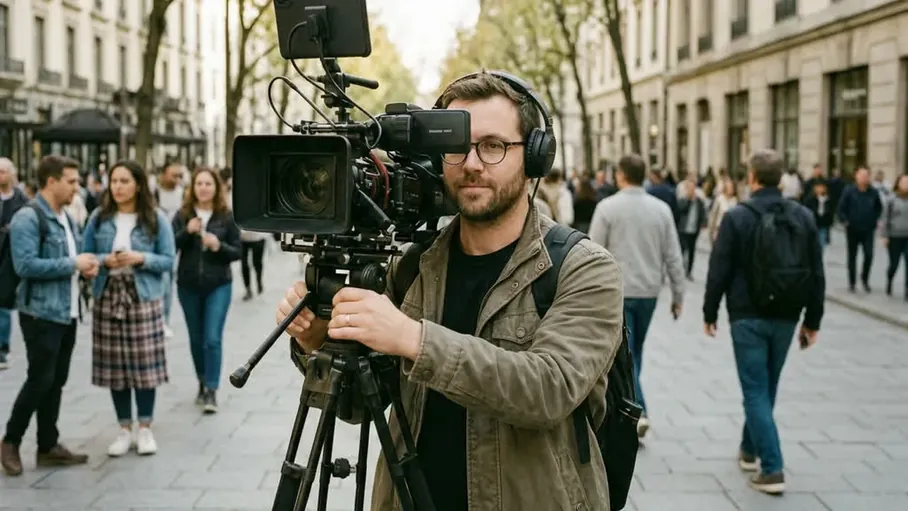
The free upgrades are physical: hold the phone with both hands and elbows tucked, walk heel to toe with soft knees, breathe out slowly during short moves, and let your body be the tripod by bracing against walls and doorframes. A small phone cage or handle widens your grip and steadies everything further. Practised for one afternoon, these habits deliver half of what beginners expect a gimbal to give them.
Professional results with Black Magic Camera come from repeatable habits rather than lucky clips. Build a small routine around stabilization and gimbals: prepare the phone, confirm your settings, record a short test, review it honestly, and only then start the real take. The routine takes two minutes and removes most of the surprises that ruin otherwise good footage.
Smooth footage is usually planned footage. Decide the start frame, the end frame and the path before recording, walk the path once without filming, and keep moves at one steady speed. Start and stop gently, because audiences forgive a slow move and never forgive a jerk. Short, intentional moves edited together look more professional than one long wandering take, however smooth the wandering is.
It is worth remembering that Black Magic Camera gives you control, not automatic quality. The app exposes the decisions a stock camera app would make for you, which means your judgement becomes part of the footage. stabilization and gimbals is one of those judgements, and it improves quickly once you start reviewing your own clips with a critical eye.
A locked tripod shot is the most underused professional tool in phone filming. Interviews, product details, timelapse-style scenes and any moment where the subject moves more than the camera should all be static by default. A small tripod and phone mount cost little, fit in a jacket pocket, and deliver the steadiest footage of your life while you focus on light, sound and the subject instead of your arms.
Storage, battery and heat are the silent partners of every Black Magic Camera session. High quality recording consumes all three faster than new users expect, so plan for them alongside stabilization and gimbals. A creator who manages the practical side finishes sessions with footage; a creator who ignores it finishes with a hot phone and a half-recorded scene.
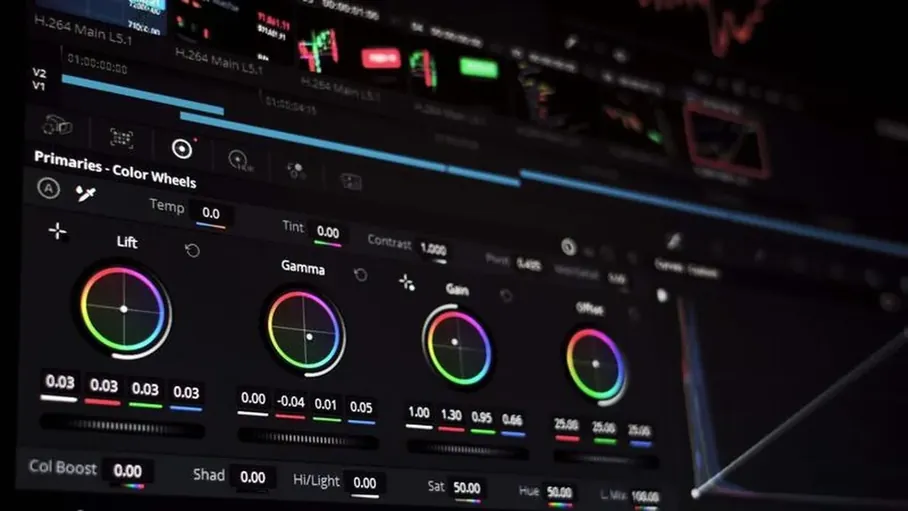
Editing software can rescue mildly shaky clips, and DaVinci Resolve's stabilisation is genuinely good, at the cost of further cropping. Treat post stabilisation as a rescue for one important imperfect take, not as a production method, because it cannot invent the frame edges your movement threw away. The hierarchy never changes: technique first, support second, software last.
When you share a finished video, nobody sees your settings, only the result. That is why stabilization and gimbals deserves deliberate attention with Black Magic Camera: it is one of the invisible decisions that separate footage that merely documents a moment from footage that holds a viewer's attention. Test it on your next small project before trusting it on an important one.
It handles small tremor and walking vibration well but crops the frame and cannot hide vigorous motion. Good handheld technique or a gimbal gives it far better material to work with.
Only if your work needs planned moving shots like walkthroughs and follows. For interviews and static scenes, a small tripod beats a gimbal, and technique beats both for everyday clips.
Both hands on the phone, elbows tucked, heel to toe with soft knees, one steady speed, and a path you have walked once before pressing record.
Only mildly shaky clips rescue well, with cropping as the cost. Treat software stabilisation as a last resort for an important take, not as the plan.
Smooth Black Magic Camera footage is a physical skill with software as its polish. Learn the free technique, add support where your shots demand it, and let stabilization finish a job you started properly.
It is worth remembering that Black Magic Camera gives you control, not automatic quality. The app exposes the decisions a stock camera app would make for you, which means your judgement becomes part of the footage. stabilization and gimbals is one of those judgements, and it improves quickly once you start reviewing your own clips with a critical eye.
When you share a finished video, nobody sees your settings, only the result. That is why stabilization and gimbals deserves deliberate attention with Black Magic Camera: it is one of the invisible decisions that separate footage that merely documents a moment from footage that holds a viewer's attention. Test it on your next small project before trusting it on an important one.
Download Black Magic Camera APK